
Picture Escape From Tarkov as a heavily armored freight train: every lever, dial, and emergency brake must be toggled at exactly the right moment or the whole run derails into a pile of looted sorrow. That is the grim reality for the keyboard-and-mouse crowd. Now imagine a controller player wading into that same train cabin with a PlayStation pad and a dream. It sounds like trying to perform open-heart surgery with oven mitts, but plenty of Tarkov hopefuls still want to know if their trusty gamepad can carry them from spawn to extraction. The short answer? Yes, with a dash of unofficial sorcery and a lot of button gymnastics. 🎮
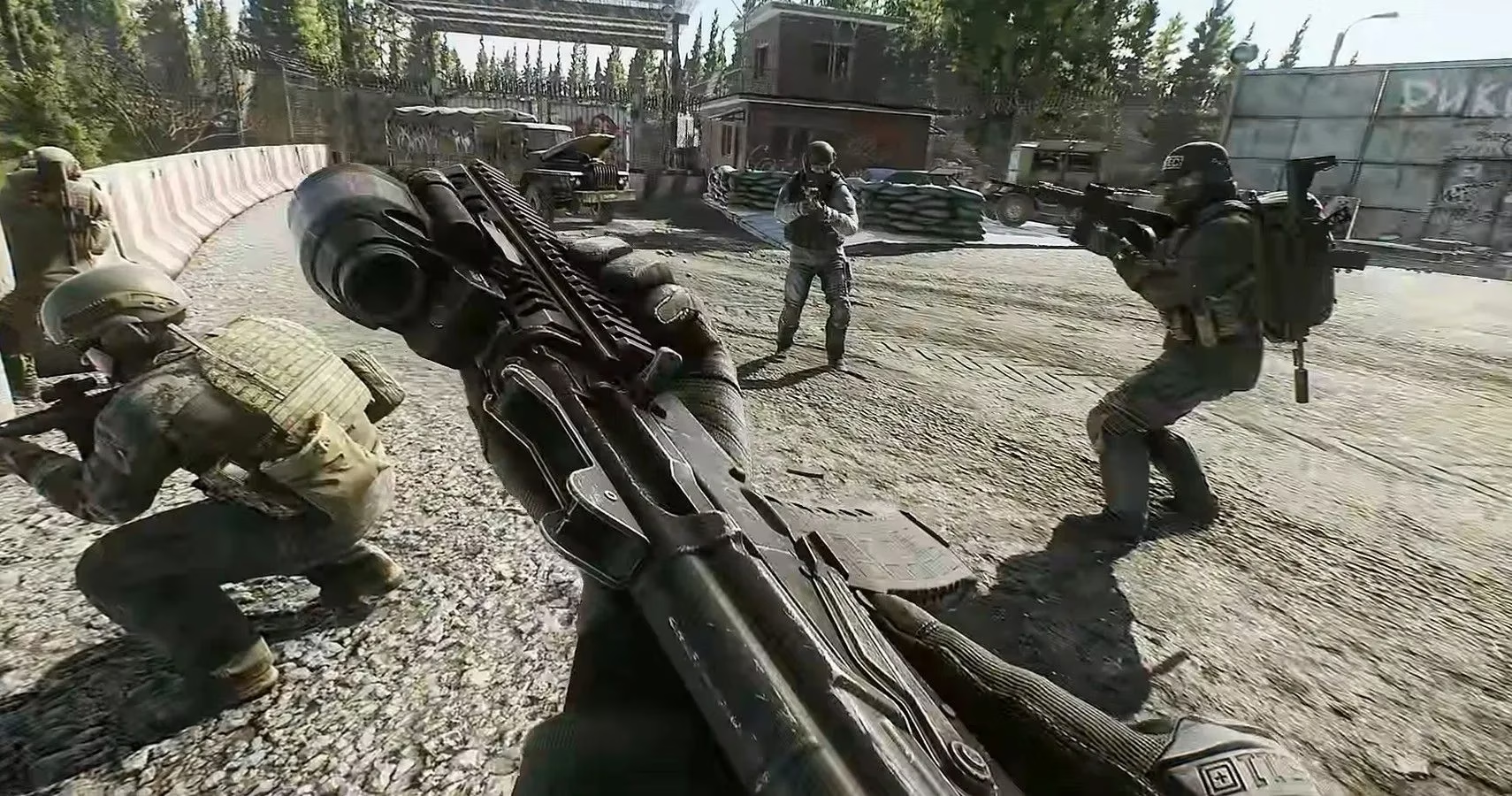
Can Escape From Tarkov Be Played With A Controller?
Officially, the game has never been in a rush to embrace gamepads, and 2026 hasn't changed that reputation. Escape From Tarkov still doesn't offer native controller input, mostly because the game has more keybinds than a Boeing cockpit and expects players to juggle lean, crouch height, inventory tetris, and tactical reloads all at once. But players are not the type to accept limitations, so a few workarounds have become standard issue for controller-curious PMCs.
-
Steam Big Picture Mode: Add Escape From Tarkov as a non-Steam game, launch it through Big Picture, and map every controller button to a keyboard or mouse input. This covers PlayStation, Xbox, and even some Switch controllers.
-
Third-party remapping software: Tools like DS4Windows for DualShock 4 and X360ce for Xbox controllers let players bypass the game's keybindings entirely and create custom profiles.
-
Back paddles are borderline mandatory: An Xbox Elite controller or similar pro pad with extra paddles gives enough inputs for all the leaning, crouching, and looting without turning your fingers into pretzels.
What Are The Best Keybindings?
For a player determined to bring a gamepad into Tarkov, the right layout is everything. Setting up these bindings is a bit like tuning a twelve-string guitar underwater—possible, but you'll question your life choices at every step. Below is one of the best-rated community configurations, originally built for an Xbox Elite controller but usable on other Xbox and Sony pads with minor adjustments.
The left stick handles WASD movement, and the right stick handles mouse aiming. Here's how the rest of the controller breaks down:
| Controller Input | Function |
|---|---|
| Right trigger | Right mouse button (aim down sights) |
| Left trigger | Left mouse button (fire) |
| Right bumper | G (grenade) |
| Left bumper | Left shift (sprint/hold breath) |
| Y | 2 (secondary weapon) |
| X | R (reload) |
| A | Space bar (jump/vault) |
| B | C (crouch/change stance) |
| D-pad up | Scroll up |
| D-pad left | Left alt |
| D-pad right | B |
| D-pad down | Scroll down |
| Left paddle | Q (left lean) |
| Right paddle | E (right lean) |
| Start | Tab (inventory) |
| Select | F (interact) |
This layout is not the only one. Community-made alternatives are scattered across remapping hubs like reWASD, where players sort by rating and borrow setups like they're looting a dead PMC's rig. Trying a few different profiles can make a huge difference, especially when muscle memory from years of controller gaming fights against Tarkov's keyboard-first design.
Should You Actually Do It?
No controller setup will ever make Escape From Tarkov feel as snappy as a mouse and keyboard. The game's DNA is built around having a full keyboard of hotkeys within reach, and playing on a gamepad often feels like trying to solve a Rubik's Cube while wearing boxing gloves. That said, for players who prefer a couch, a big TV, or simply hate the feeling of WASD, the workarounds will get them into a raid. Just don't expect to out-flick a mouse user in a close-quarters fight.
At the end of the day, Tarkov is already a punishing experience. Adding a controller on top is a self-imposed hard mode. But for the right kind of stubborn player, extracting with a gamepad feels like winning a knife fight against a bear—exhausting, slightly ridiculous, and absolutely worth bragging about. 🎯
Comments